
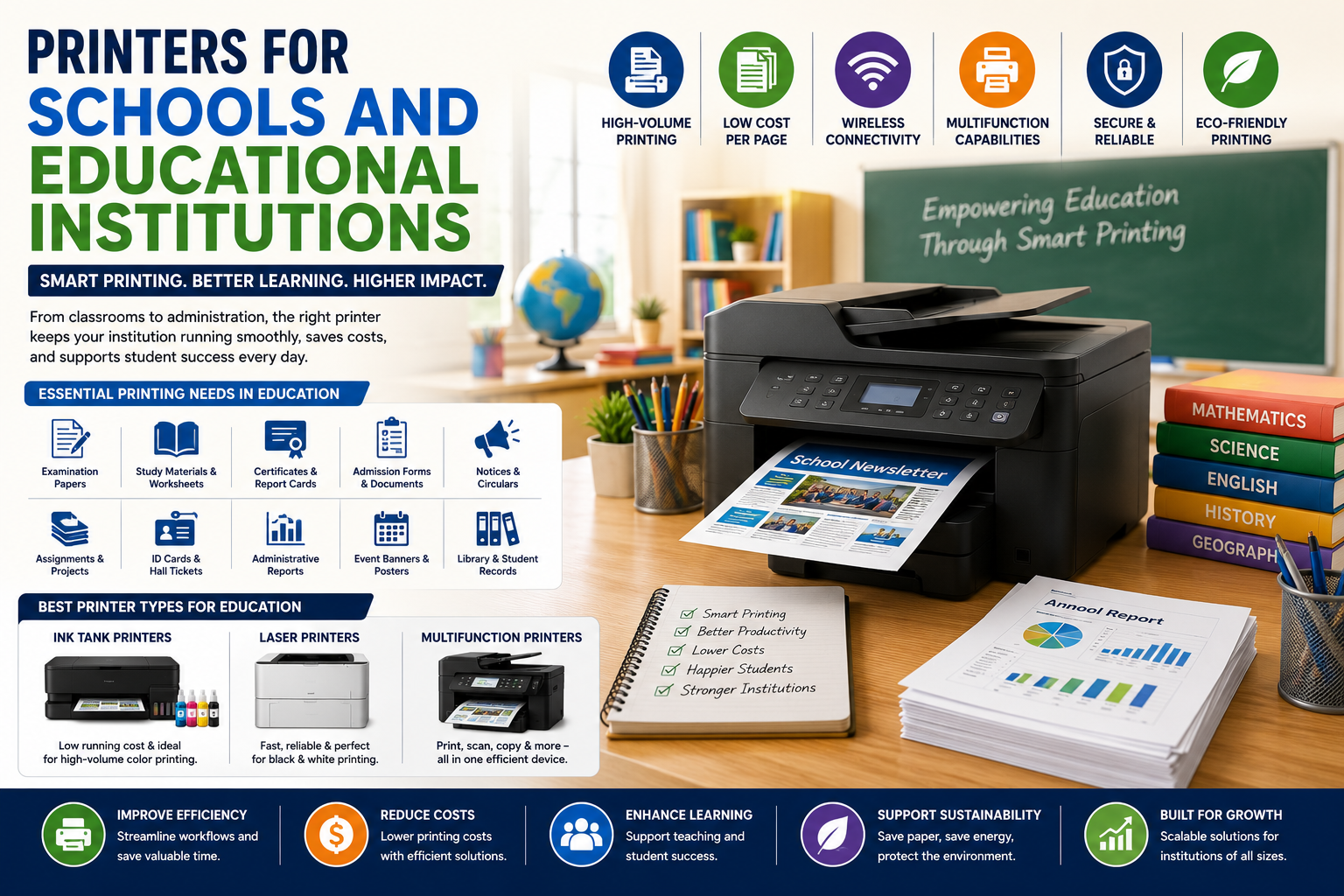
Printers for Schools and Educational Institutions: A Complete Guide
Introduction
Despite the rapid growth of digital learning, printers remain an essential part of schools, colleges, universities, coaching centers, and educational institutions. From printing assignments and examination papers to creating learning materials and administrative documents, printers support daily educational operations.
Modern educational institutions require reliable, cost-effective, and high-volume printing solutions that can handle the demands of students, teachers, and administrative staff. Choosing the right printer can improve productivity, reduce operating costs, and enhance the overall learning experience.
This guide explores the importance of printers in education, key features to consider, and the best printer types for schools and educational institutions.
Why Schools Still Need Printers
While digital classrooms have become common, printed materials continue to play a crucial role in education.
Common Printing Requirements
-
Examination papers
-
Student worksheets
-
Study materials
-
Project reports
-
Certificates
-
Admission forms
-
Administrative documents
-
Notices and circulars
-
Event banners and posters
Printers help educational institutions manage these tasks efficiently and professionally.
Benefits of Printers in Educational Institutions
1. Improved Learning Experience
Printed learning materials often help students understand and retain information more effectively.
Benefits include:
-
Better readability
-
Easier note-taking
-
Reduced screen fatigue
-
Enhanced classroom participation
Teachers can distribute worksheets, practice tests, and educational resources that support different learning styles.
2. Efficient Examination Management
Schools and colleges conduct numerous examinations throughout the year.
Reliable printers help institutions:
-
Print question papers quickly
-
Generate answer sheets
-
Produce hall tickets
-
Create evaluation reports
High-speed printers ensure examination processes run smoothly without delays.
3. Administrative Productivity
Educational institutions generate large volumes of paperwork daily.
Examples include:
-
Student records
-
Attendance reports
-
Fee receipts
-
Staff documents
-
Admission forms
Modern multifunction printers streamline these administrative tasks and improve office efficiency.
4. Cost Savings
Educational institutions often operate within strict budgets.
Modern printers offer:
-
Low cost per page
-
Automatic duplex printing
-
High-yield cartridges
-
Ink tank technology
These features help reduce printing expenses while maintaining high productivity.
Types of Printers Suitable for Schools
Ink Tank Printers
Best For:
-
Small schools
-
Coaching centers
-
Frequent color printing
Advantages
✔ Low printing cost
✔ Excellent color quality
✔ High page yield
✔ Eco-friendly operation
Ink tank printers are ideal for schools that regularly print educational materials and colorful worksheets.
Laser Printers
Best For:
-
Large schools
-
Colleges
-
Universities
Advantages
✔ Fast printing speed
✔ High-volume output
✔ Professional document quality
✔ Lower maintenance requirements
Laser printers are especially effective for printing exams, reports, and administrative documents.
Multifunction Printers (MFPs)
Best For:
-
School administration offices
-
Libraries
-
Staff departments
Functions Include
-
Printing
-
Scanning
-
Copying
-
Email integration
Multifunction devices reduce equipment costs and improve workflow efficiency.
Essential Features for Educational Printing
High Print Speed
Schools often need to print hundreds or thousands of pages within short deadlines.
Look for:
-
Fast pages-per-minute (PPM)
-
Quick first-page output
-
High monthly duty cycles
Automatic Duplex Printing
Double-sided printing helps institutions:
-
Reduce paper consumption
-
Lower operating costs
-
Support sustainability initiatives
This feature is especially valuable for large educational organizations.
Wireless Connectivity
Wireless printing allows teachers and staff to print directly from:
-
Laptops
-
Tablets
-
Smartphones
-
Cloud platforms
This improves flexibility and convenience throughout the campus.
Large Paper Capacity
Educational institutions frequently handle large print jobs.
Benefits of high-capacity trays include:
-
Fewer interruptions
-
Improved productivity
-
Reduced staff workload
Security Features
Schools store sensitive information such as:
-
Student records
-
Examination materials
-
Financial documents
Modern printers offer:
-
User authentication
-
Secure printing
-
Data encryption
-
Access controls
These features help protect confidential information.
How Printers Support Digital Education
Modern printers complement digital learning environments.
Common Uses
-
Printing digital assignments
-
Creating classroom resources
-
Producing certificates
-
Supporting hybrid learning
Cloud-connected printers enable seamless integration between digital and physical educational resources.
Sustainability in Educational Printing
Many institutions are adopting environmentally responsible printing practices.
Sustainable Features
-
Energy-efficient operation
-
Recyclable consumables
-
Duplex printing
-
Reduced ink consumption
These initiatives help schools reduce their environmental impact while lowering operational costs.
Best Applications of Printers in Education
Classroom Learning
Teachers can print:
-
Worksheets
-
Lesson plans
-
Activity sheets
-
Practice exercises
School Administration
Administrators use printers for:
-
Reports
-
Admission forms
-
Certificates
-
Official communications
Libraries
Libraries print:
-
Borrowing records
-
Catalog information
-
Student notices
Examination Departments
Exam offices rely heavily on printers for:
-
Question papers
-
Mark sheets
-
Admit cards
-
Evaluation reports
Choosing the Right Printer for Your Institution
Before purchasing a printer, consider:
Monthly Print Volume
Estimate how many pages are printed each month.
Color Requirements
Determine whether color printing is necessary.
Operating Costs
Evaluate:
-
Ink or toner expenses
-
Maintenance costs
-
Energy consumption
User Capacity
Consider how many students and staff members will use the device.
Future Growth
Choose a printer that can accommodate increasing printing demands.
Common Challenges and Solutions
Challenge: High Printing Costs
Solution:
-
Use ink tank printers
-
Enable duplex printing
-
Monitor usage
Challenge: Large Print Volumes
Solution:
-
Invest in high-speed laser printers
-
Use high-capacity paper trays
Challenge: Printer Downtime
Solution:
-
Schedule preventive maintenance
-
Use reliable business-class printers
Future Trends in Educational Printing
Educational printing is evolving with new technologies such as:
-
Cloud printing
-
Mobile printing
-
AI-powered print management
-
Secure document workflows
-
Smart campus integration
These innovations will help institutions improve efficiency while supporting modern learning environments.
Conclusion
Printers continue to be indispensable tools for schools, colleges, and educational institutions. They support classroom learning, examination management, administrative operations, and student communication.
By choosing the right printer with features such as high-speed printing, wireless connectivity, duplex printing, and low operating costs, educational institutions can improve productivity while managing expenses effectively.
Whether you're running a small coaching center or a large university campus, investing in the right printing solution can enhance educational outcomes and streamline daily operations.
0 Comments
Post Comment