
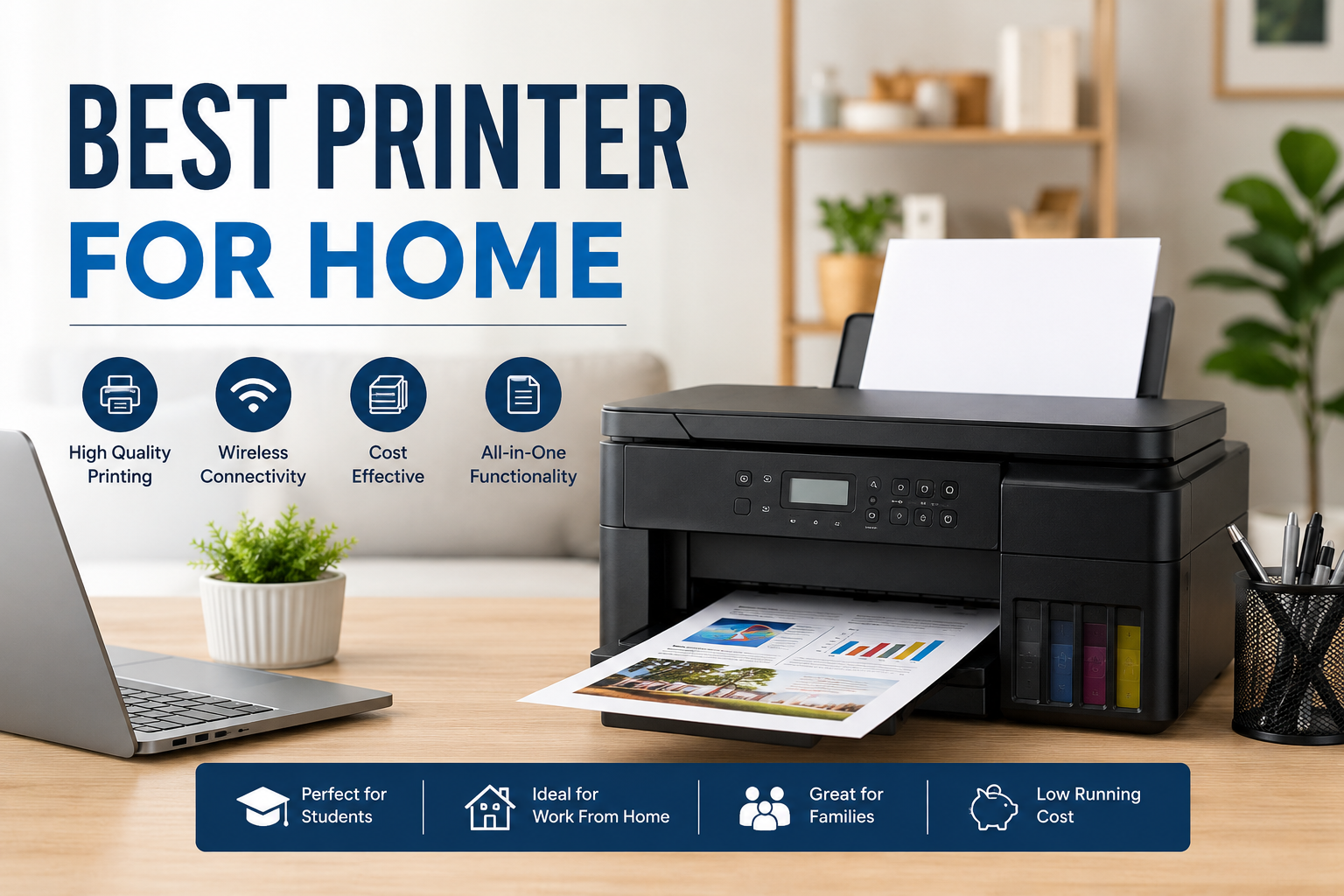
Best Printer for Home: Complete Buying Guide (2026)
Whether you're printing school assignments, office documents, family photos, or occasional projects, choosing the best printer for home can make everyday tasks easier and more cost-effective. With so many printer models available, it's important to understand which features matter most before making a purchase.
In this guide, we'll explain the different types of home printers, essential features to consider, and how to choose the right printer based on your needs.
Why You Need a Home Printer
A home printer offers convenience and saves time by allowing you to print important documents whenever needed. It is ideal for:
-
Students printing assignments and study materials
-
Professionals working from home
-
Families printing travel tickets, bills, and forms
-
Small home businesses
-
Creative users printing photos and craft projects
Types of Home Printers
1. Ink Tank Printers
Ink tank printers are designed for users who print regularly. They use refillable ink tanks instead of cartridges, making printing much more economical over time.
Best for:
-
Regular home printing
-
Students
-
Families
-
Home offices
Advantages
-
Very low printing cost
-
High page yield
-
Excellent color printing
-
Suitable for photos and documents
2. Inkjet Printers
Traditional inkjet printers are affordable and produce high-quality color prints.
Best for:
-
Occasional printing
-
Personal use
-
Photo printing
Advantages
-
Low initial investment
-
Compact design
-
Sharp color output
3. Laser Printers
Laser printers use toner instead of ink and are designed for fast document printing.
Best for
-
Work from home
-
Business documents
-
High-speed black-and-white printing
Advantages
-
Fast printing speed
-
Crisp text quality
-
Long-lasting toner
-
Lower maintenance
Features to Consider Before Buying
Print Quality
Choose a printer that produces sharp text and vibrant images, especially if you print photos or presentations.
Print Speed
If you print frequently, select a printer with higher pages per minute (PPM).
Wireless Connectivity
Modern home printers support:
-
Wi-Fi
-
Wi-Fi Direct
-
USB
-
Mobile Printing
-
Cloud Printing
Wireless printing allows you to print directly from smartphones, tablets, and laptops.
Duplex Printing
Automatic double-sided printing helps reduce paper consumption and saves money.
Scanner and Copier
An all-in-one printer combines printing, scanning, and copying into a single machine, making it perfect for most households.
Running Cost
Don't just compare purchase prices. Consider:
-
Ink refill cost
-
Toner cost
-
Cost per page
-
Maintenance expenses
A slightly more expensive printer may save much more in the long run.
Which Home Printer Is Best for Different Users?
For Students
Students need affordable printing with low running costs. Ink tank printers are usually the best option for printing notes, assignments, and projects.
For Work From Home
Professionals should look for printers with:
-
Fast printing
-
Automatic duplex
-
Wi-Fi connectivity
-
Scanner
-
Copier
For Photo Printing
Choose a printer with excellent color accuracy and high-resolution printing for family albums and creative projects.
For Occasional Users
If you print only a few pages every month, an entry-level inkjet printer may be sufficient.
Common Mistakes to Avoid
Many buyers focus only on the printer's purchase price. Instead, also consider:
-
Ink or toner replacement cost
-
Monthly printing volume
-
Warranty
-
Service availability
-
Compatibility with Windows and macOS
-
Mobile printing support
Choosing the cheapest printer can sometimes result in higher long-term printing expenses.
Maintenance Tips
To keep your printer performing well:
-
Print at least once every week.
-
Use genuine ink or toner whenever possible.
-
Keep the printer clean and dust-free.
-
Avoid switching the printer off during active printing.
-
Update printer drivers regularly.
-
Store paper in a dry environment.
Regular maintenance helps extend the printer's lifespan and ensures consistent print quality.
Frequently Asked Questions
Which printer is best for home use?
The best printer depends on your printing needs. Ink tank printers are excellent for frequent printing, while laser printers are ideal for users who mainly print black-and-white documents.
Is an ink tank printer better than an inkjet printer?
If you print regularly, an ink tank printer usually offers much lower running costs and higher page yields than a traditional cartridge-based inkjet printer.
Can I print from my phone?
Yes. Most modern home printers support wireless printing from Android and iPhone devices through Wi-Fi or dedicated mobile printing apps.
How long does printer ink last?
The lifespan depends on usage. Refillable ink tanks typically provide thousands of printed pages before needing a refill.
Final Thoughts
Selecting the best printer for home involves more than choosing the lowest-priced model. Consider your monthly printing volume, printing type, running costs, connectivity options, and maintenance requirements.
Whether you're a student, remote worker, or family user, investing in the right printer can improve productivity, reduce printing expenses, and provide reliable performance for years to come.
By understanding your needs and comparing the available features, you can confidently choose a home printer that delivers excellent value and dependable results.
0 Comments
Post Comment